Monday, July 18, 1932
Moltbot (formerly Clawdbot): The Rise of the 'Lobster' 🦞 Your First Autonomous AI Agent
Posted by
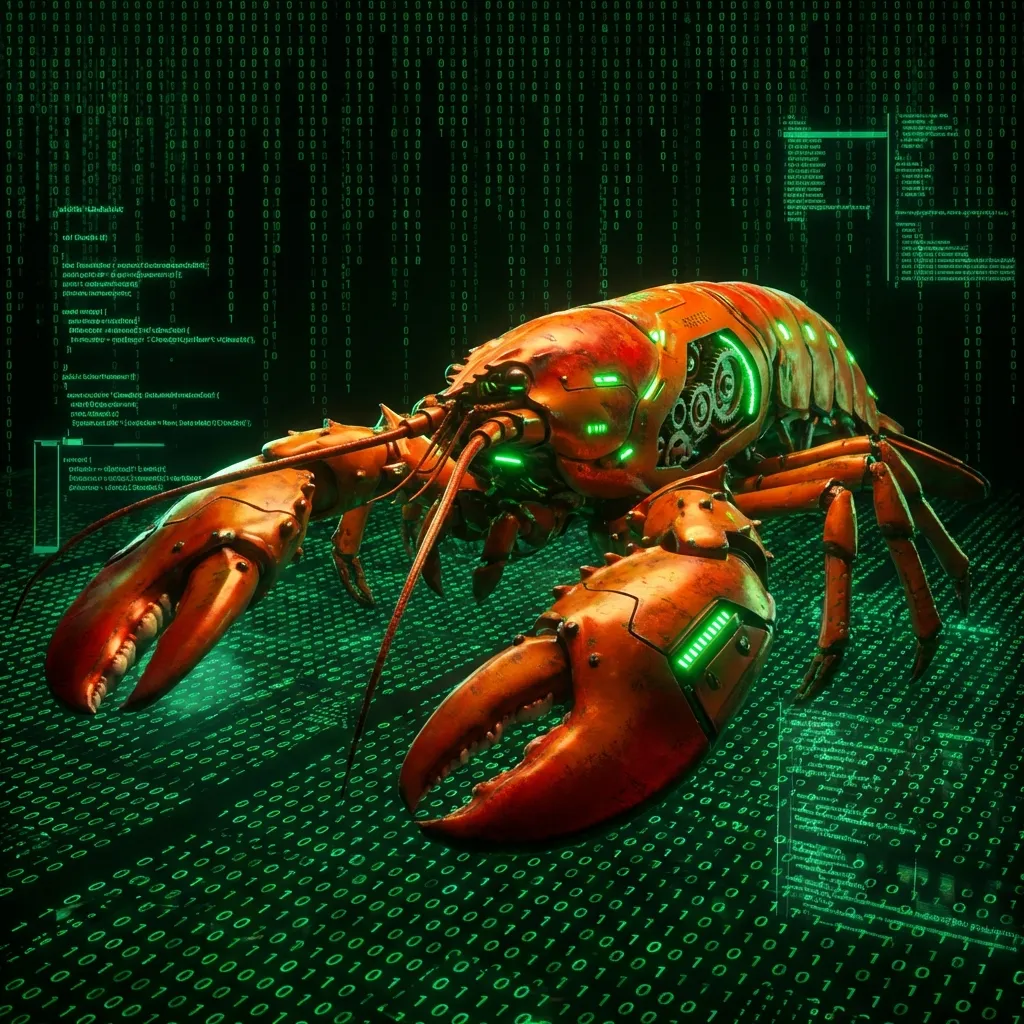
If you've been lurking on "AI Twitter" (or X) lately, you might have noticed a peculiar trend: people posting lobster emojis 🦞 and talking about texting their servers. No, it's not a new cult (well, maybe a small one), and it's not a seafood recipe. It's Moltbot (formerly Clawdbot).
In a world dominated by polished, walled garden SaaS products like ChatGPT and Gemini Advanced, a scrappy, open source contender has emerged. Clawdbot isn't just another chatbot; it's a personal AI agent that runs on your own hardware, connects to your favorite messaging apps, and actually does work for you.
This isn't about asking "What is the capital of France?" This is about texting your phone: "Check my last 10 emails, summarize the urgent ones, and draft replies." And having it actually happen.
In this guide, we're going to explore what Clawdbot is, why it's exploding in popularity, how its revolutionary memory system works, and how you can build your own "Rupert" (or whatever you choose to name your digital employee) in under 30 minutes.
What is Clawdbot? The "Lobster" Explained
At its core, Clawdbot (often symbolized by the 🦞 emoji) is a self hosted, messaging first AI gateway.
Let's break that down:
- Self Hosted: You run it. It lives on your Mac Mini, your old gaming PC, or a cheap cloud VPS (Virtual Private Server). It doesn't live on OpenAI's servers (though it talks to them). This means you own the "body" of the AI.
- Messaging First: Unlike ChatGPT, which requires you to log into a specific website or app, Clawdbot lives where you already are: WhatsApp, Telegram, Signal, or iMessage. It feels like texting a colleague.
- AI Gateway: It's not an LLM itself. It's a "brain" that connects to powerful models (like Claude 4.5 Sonnet, GPT-5, or Gemini 3) and gives them hands.
The "Agentic" Difference
Standard chatbots are passive. You talk, they talk back. Clawdbot is agentic. It has access to tools. It can:
- Read and write files on your computer.
- Execute shell commands.
- Browse the internet (via tools like Brave Search).
- Run scheduled tasks (Cron jobs).
- Remember things about you over long periods.
It's the difference between a library (passive information) and a research assistant (active help).
The Rebrand to Moltbot
Clawdbot became one of the hottest AI tools overnight, but it recently faced a significant challenge. Anthropic sent a trademark claim noting that the name "Clawd" was too similar to "Claude." In response, the team rebranded the project to Moltbot.
However, during the rename, a critical mistake occurred. Between releasing the old name and claiming the new one, crypto scammers grabbed both the GitHub organization and the X handle in a matter of seconds. This led to hijacked accounts and significant confusion, serving as a cautionary tale for open source maintainers.
Why the Hype? The Shift to Local Control
Why is a command line tool with a lobster mascot trending? It hits on three massive shifts in the AI landscape:
The "Local Control" Movement
People are tired of their data being locked in proprietary silos. When you use a SaaS tool, your chat history, your preferences, and your context are stuck there. If the service changes its pricing or shuts down, you lose everything. With Clawdbot, your data lives in Markdown files on your disk. You can back them up, git commit them, or move them to a new server.
The Hardware Renaissance
There's a reason people are buying Mac Minis specifically for this. The Apple Silicon chips (M4, M2 Ultra) are incredible for running local AI workloads. While Clawdbot often offloads the heavy thinking to cloud APIs (like Anthropic's), having a powerful, always on local machine allows for snappy responses, local voice transcription (using Whisper), and a sense of physical ownership over your intelligence infrastructure.
"Text Your Server"
The UX is undeniable. We all live in our messaging apps. Friction matters. Opening a specific app to ask a question adds friction. Texting a contact named "Alfred" in WhatsApp does not. This seamless integration makes the AI feel less like a tool and more like a contact in your phonebook.
Under the Hood: Architecture & Skills
How does this actually work?
The Brain
Clawdbot acts as an orchestrator. When you send a message, it doesn't just pass it to an LLM. It first analyzes the message to see if it needs to use a Tool.
- User: "What's the weather?"
- Clawdbot: Thinking... I need to search the web. -> Calls Search Tool -> Gets Weather -> Sends info to LLM -> Generates response.
It supports a plug-and-play model architecture. You can swap out the "brain" instantly. One minute it's powered by Claude Opus for complex reasoning; the next, it's using a cheap model like Haiku for quick summaries to save money.
The Body (Docker & Node.js)
Clawdbot runs primarily on Node.js. However, the modern standard is to run it via Docker. This is crucial for security (which we'll discuss later). By containerizing the bot, you give it a sandbox. It can "mess up" inside the container without deleting your actual family photos on the host machine.
The Skills (MCP & Tools)
Clawdbot is extensible. You don't just get a chatbot; you get a platform.
- File System: It can read/write code. You can ask it to "Write a Python script to organize my downloads folder" and then run it.
- Web Browsing: With integrations like Puppeteer or Brave Search, it can read websites.
- Vision: Send it a photo of your fridge, and ask for recipes. It uses vision capable models to "see."

The "Three Layer Memory" System: Solving Amnesia
One of the most fascinating innovations coming out of the Clawdbot community is the Three Layer Memory System. Most chatbots have the memory of a goldfish. They remember the current conversation window (context window), but if you start a new chat, they forget everything.
Clawdbot solves this with a Knowledge Graph approach that compounds intelligence over time.
Layer 1: The Knowledge Graph (/life/areas/)
This is structured data. The bot creates folders for entities in your life: People, Companies, Projects.
items.json: Stores "Atomic Facts" (e.g., "User's boss is Sarah," "Sarah prefers email").summary.md: A weekly rewritten summary of that entity. Instead of loading thousands of raw logs, the bot just loads the summary: "Sarah: Former boss, difficult interaction style."
Layer 2: Daily Notes (memory/YYYY-MM-DD.md)
This is the raw stream of consciousness. Every interaction, every task, every event is logged here. It's a chronological journal of your life with the AI.
- 10:00 AM: Asked to summarize meeting notes.
- 2:00 PM: Reminded to buy milk.
Layer 3: Tacit Knowledge (MEMORY.md)
This file captures who you are. It stores your preferences, your working style, and your mental models.
- "User prefers concise answers."
- "User is a night owl; don't schedule morning meetings."

The Flywheel Effect
The magic happens via automation.
- Extraction: Every 30 minutes, a cheap "sub agent" (a smaller, faster AI model) scans your recent chats. It extracts new facts and saves them to Layer 1.
- Synthesis: Every Sunday, a cron job runs a "Weekly Review." It rewrites the summaries, archives old facts, and updates the knowledge graph.
The result? Compounding Intelligence. A Clawdbot you've used for a year knows you better than a Clawdbot you've used for a week. It doesn't just "remember"; it learns.
Getting Started: The "30 Minute Setup"
You might be thinking, "This sounds amazing, but I'm not a DevOps engineer." The community knows this. The barrier to entry has been smashed with the "30 Minute Setup."
Hardware: Mac Mini vs. The Cloud
While the "Mac Mini" flex is popular on Twitter, you don't need one.
- The Mac Mini Route: Great for privacy, local file access, and "owning" the hardware.
- The Cloud Route (VPS): Often cheaper and easier. You can get a free Oracle Cloud instance (Ampere ARM64) or a cheap AWS t4g.micro. This runs your bot 24/7 without heating up your room.
The Install Command
It’s literally one line:
curl -fsSL https://clawd.bot/install.sh | bash
This script launches a wizard that asks you:
- Which Model? (Anthropic, OpenAI, etc.)
- Which Channel? (Telegram, WhatsApp, Discord)
- Your API Keys?
Cost Reality Check
Let's do the math.
- SaaS: Claude Pro is $20/month.
- Clawdbot:
- Server: Free (Oracle/AWS Tier) or ~$5/mo.
- API Costs: Pay per use.
- Heavy User Scenario: If you use it constantly, API fees can add up ($30-50/mo).
- Smart User Scenario: If you route simple tasks to cheap models (Haiku/Gemini Flash) and only use the "big guns" (Opus) for complex work, you can often run it for less than $20/mo.
Real World Use Cases: Meet "Rupert"
Let's look at a real story from the community. A user named Dan set up his Clawdbot, named "Rupert".
The Setup: Dan gave Rupert a dedicated Google Workspace account and a password manager. He didn't want the bot to have "god mode" over his main accounts immediately.
The "Aha!" Moment: Dan sent Rupert a voice note on Telegram.
- Rupert: "I can't listen to this. My transcription module isn't set up for this file type."
- Dan: "Can you fix it?"
- Rupert: "Sure. I'll write a script to convert the OGG file from Telegram into a WAV file that my Whisper instance can read."
- Rupert writes code, executes it, installs ffmpeg, and retries.
- Rupert: "Okay, got it. You said: 'Remind me to call Mom.'"
This is the power of an agent. It didn't just report an error; it wrote software to fix its own limitation.

The "Inbox Zero" Dream: Another user hooked Clawdbot up to their Gmail API. Command: "Check my unread emails. Delete the spam. Archive the newsletters. Summarize the 3 that actually need a reply." Result: 45 minutes of morning triage done in 30 seconds while the user made coffee.
Ways to Use Your Lobster Today
You don't need 100 features. You just need a few high impact workflows to get started. Here are few ways I actually use Rupert every day:
The Morning Briefer
Instead of doomscrolling Twitter or checking three different weather apps, I get one text at 8 AM.
- Command: "Check my calendar, the weather in London, and the top 3 tech headlines. Send me a summary."
- Why it works: It’s passive. I start my day informed, not distracted.
The Logistics Manager
I order a lot of equipment. Tracking numbers get buried in Gmail.
- Command: "Track the package from Amazon and let me know when it's out for delivery."
- The Magic: Clawdbot reads the shipping label from the confirmation email, hits the carrier's API, and texts me only when I need to be home.
The Inbox Triage
"Inbox Zero" is a myth, but "Inbox Sanity" is possible.
- Command: "Scan my unread emails from the last 24 hours. Summarize anything from 'Client X' or 'Boss'. Archive the newsletters."
- Result: 45 minutes of morning email triage becomes a 30 second summary while I make coffee.
The Home Automator
If you have smart home devices (Phillips Hue, HomeAssistant), Clawdbot becomes the universal remote.
- Command: "It's movie time. Dim the lights and turn on the TV."
- Why it works: Texting is often faster than shouting at a smart speaker that doesn't understand your accent.
The Pair Programmer
Even after 15 years of coding, I get stuck.
- Command: "Here is a Python script that's failing on line 45. What am I missing?"
- Value: It’s like having a senior engineer constantly looking over your shoulder, ready to debug your typos.
Risks & Security: Don't Feed the Lobster After Midnight
We must address the elephant (or giant crustacean) in the room: Security.
Imagine you hire a butler. He manages your calendar, reads your private messages, and has keys to everything. Now imagine you leave your front door wide open. That is the risk with a poorly configured Clawdbot.
When you install this tool, you are effectively giving an AI Remote Code Execution (RCE) capabilities on your server. If a malicious actor gains access, they don't just get your chat logs; they get your API keys, your credentials, and the ability to run commands as you.
If you tell it: "Delete all files in this folder," it will do it. If a malicious actor spoofs your Telegram handle, they could control your server.
The "Control Panel" Vulnerability
Recent scans of the internet have revealed hundreds of exposed Clawdbot Control panels. These web based admin interfaces often default to a "developer friendly" mode where local connections are auto approved.
The Problem: If you run Clawdbot behind a reverse proxy (like Nginx or Caddy) without explicit configuration, the bot might think everyone is connecting from "localhost" and let them in without a password.
The Consequence: An attacker can:
- Dump your
envvariables (stealing your Anthropic/OpenAI keys). - Read your entire "Soul" file (knowing exactly how your agent is instructed to behave).
- Inject messages into your chats, impersonating you to your contacts.
- Link their own devices (like Signal) to your bot, intercepting future messages.
How to Lock It Down
To avoid becoming a statistic on a Shodan search, follow these critical rules:
- Sandboxing: Always run Clawdbot in Docker. This limits the blast radius if it goes rogue or gets hacked.
- Configure Proxies: If using a reverse proxy, you must configure
gateway.trustedProxiesor set a stronggateway.auth.password. Do not rely on default settings. - User ID Whitelisting: Ensure your Telegram/Signal bot only responds to your specific numeric User ID.
- No Root: Never run the bot as the
rootuser. - Audit Yourself: Try to access your own control panel from a different network (e.g., your phone on 5G). If it opens without a password, you are exposed.
The robot butler is brilliant. Just make sure he remembers to lock the door.
Conclusion: The Future is Personal
Clawdbot represents a fork in the road for AI. One path leads to centralized, sanitized, subscription based AI assistants owned by mega corporations. The other path leads to Personal AI: messy, customizable, powerful, and yours.
The "Lobster" community is betting on the latter. They believe that in the future, everyone will have a "Chief of Staff" AI a digital employee that knows their life, protects their time, and operates on their terms.
Whether you buy a Mac Mini or spin up a free cloud server, setting up a Clawdbot is a rite of passage. It’s the moment you stop being a "user" of AI and start being a "manager" of AI.
So, are you ready to hire your first digital employee? The application form is just a curl command away.
Disclaimer: AI agents are powerful tools. Always back up your data and review code execution capabilities before granting full system access.