AI Rules in Modern IDEs: Global and Project-Specific Configurations
AI rules customize AI assistants in modern IDEs like Cursor, Windsurf, and VSCode Copilot. Learn to configure global and project-specific rules for consistent, high-quality code.
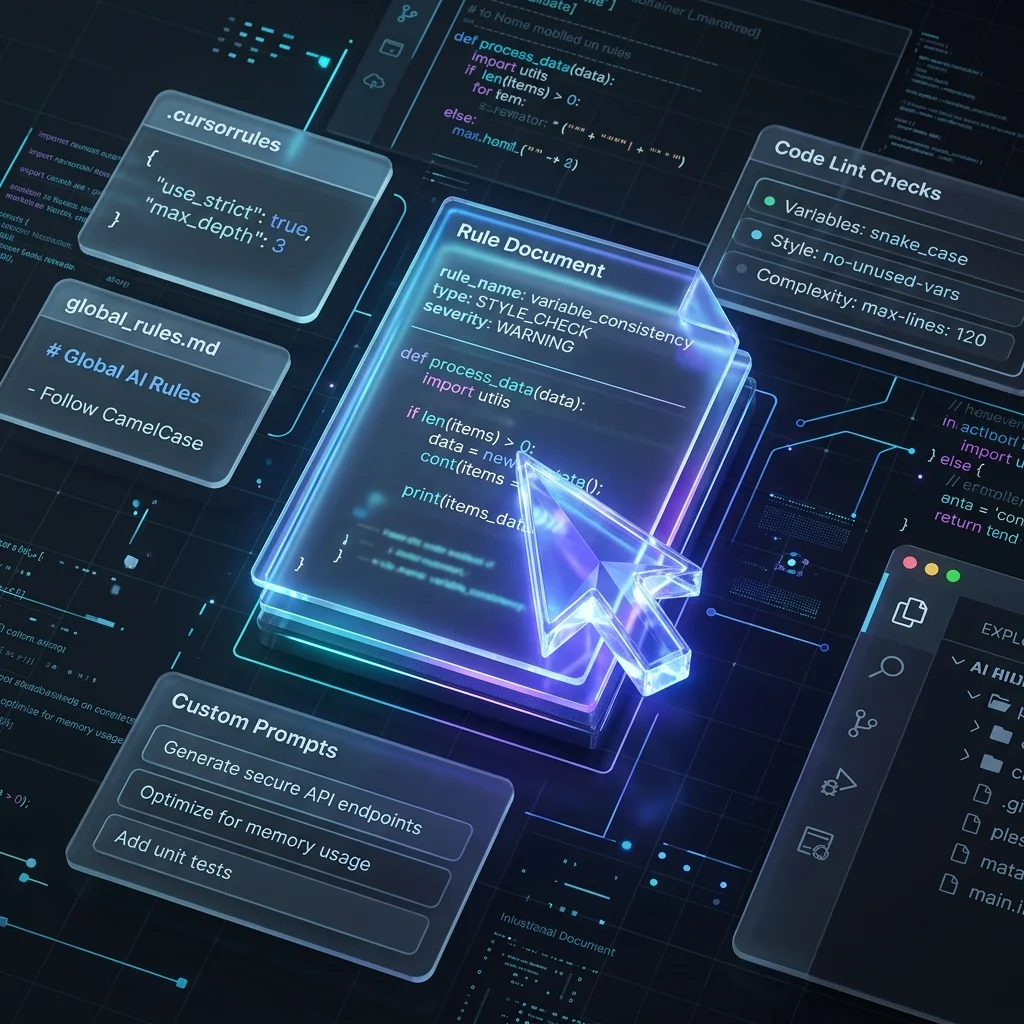
AI rules fundamentally change how developers interact with modern IDEs like Cursor, Windsurf, and VS Code Copilot. By explicitly defining project conventions, coding standards, and architectural patterns, these rules transform generic AI assistants into context-aware pair programmers. This hub provides comprehensive guides on configuring rules effectively, along with optimized templates for dozens of languages and frameworks to ensure your AI consistently generates clean, maintainable, and idiomatic code.
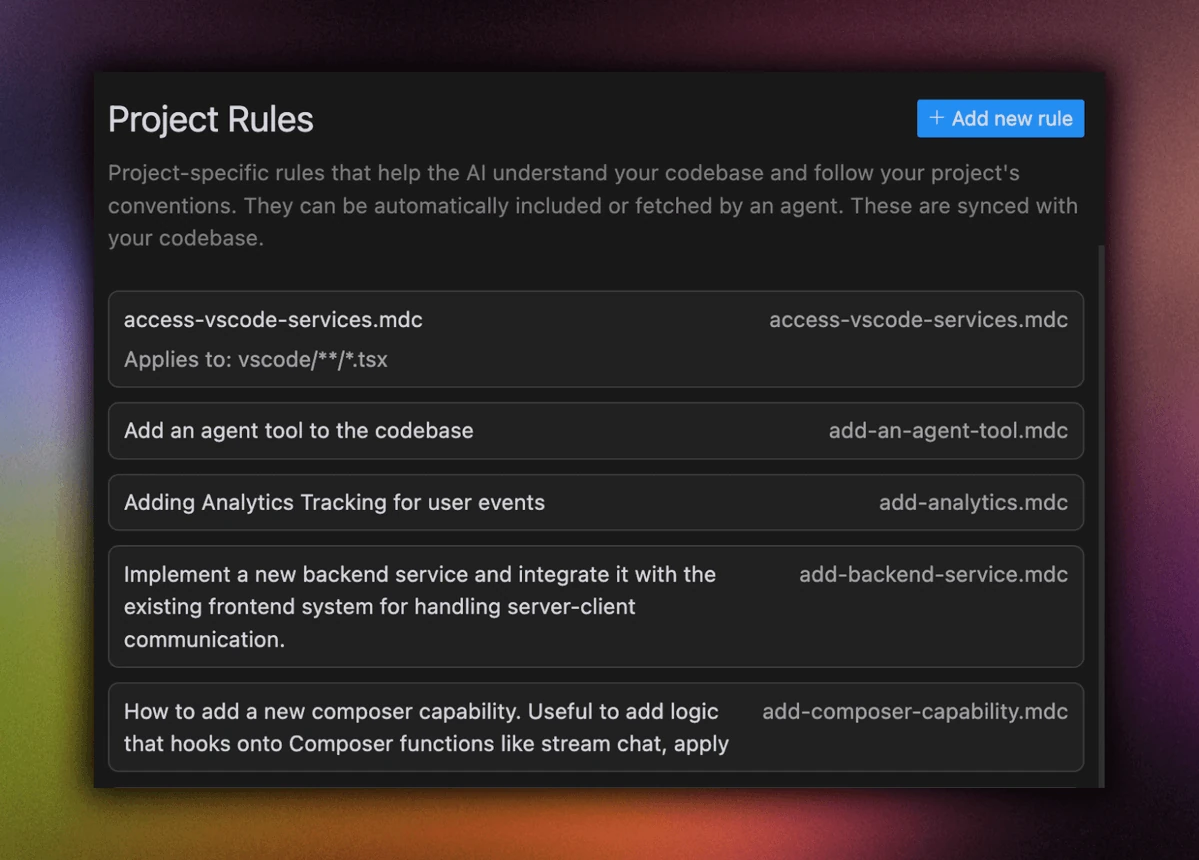
Why Use AI Rules?
AI rules offer several key benefits:
- Consistency: Enforce coding standards and maintain patterns across your codebase
- Productivity: Speed up development with faster, more accurate code generation
- Context Awareness: Help AI understand your project's specific requirements
- Team Collaboration: Share coding standards and best practices across your team
- Quality Control: Reduce technical debt and maintain code quality
Note:
AI rules are becoming a standard feature across modern IDEs, helping developers maintain consistency and improve code quality. While each IDE implements rules differently, the core concept remains the same: providing custom instructions to guide AI-powered code generation and assistance.
Setting Up Global Rules
Global rules are configuration files that define AI behavior across all your projects, with each IDE implementing them differently:
- Windsurf: Uses
global_rules.mdwith a 6,000 character limit, accessed through Settings > Edit Rules - Cursor: Configured via
Cursor Settings > General > Rules for AI, supporting both legacy.cursorrulesand new.cursor/rulessystem - VSCode Copilot: Uses
.github/copilot-instructions.mdin repository root, focusing on project-specific contexts
Key characteristics:
- Apply across all projects or repositories
- Support markdown formatting
- Can include coding standards and preferences
- May have character limits (e.g., Windsurf's 6,000 char limit)
- Some IDEs support both global and repository-specific rules
Project-Specific Rules
Project rules provide granular control over AI behavior in different parts of your codebase:
Cursor
- Create
.cursor/rulesdirectory in project root - Add
.mdcfiles for different rule sets:*.mdcfor path-specific rules
# .cursor/rules/typescript.mdc

- Use TypeScript for all new code
- Follow clean code principles
- Implement comprehensive error handling
- Use async/await over callbacks
VSCode Copilot
- Create
.githubdirectory in project root - Add
copilot-instructions.mdfile - Define instructions in Markdown format
- Commit and push to repository
Windsurf
- Create
.windsurfrulesin project root - Define rules using MDC format
- Restart Windsurf to apply changes
Best Practices
-
Rule Organization
- Keep rules concise and focused
- Group related rules together
- Use clear, descriptive language
- Include examples where helpful
-
Version Control
- Commit rule files to version control
- Document rule changes in commits
- Review rules during code reviews
-
Team Collaboration
- Share rule documentation
- Maintain consistency across team
- Regular review and updates
-
Verification To ensure rules are working:
- Test AI features after changes
- Verify code generation follows rules
- Monitor team feedback
Related Articles
Related Articles & Guides
 #nodejs
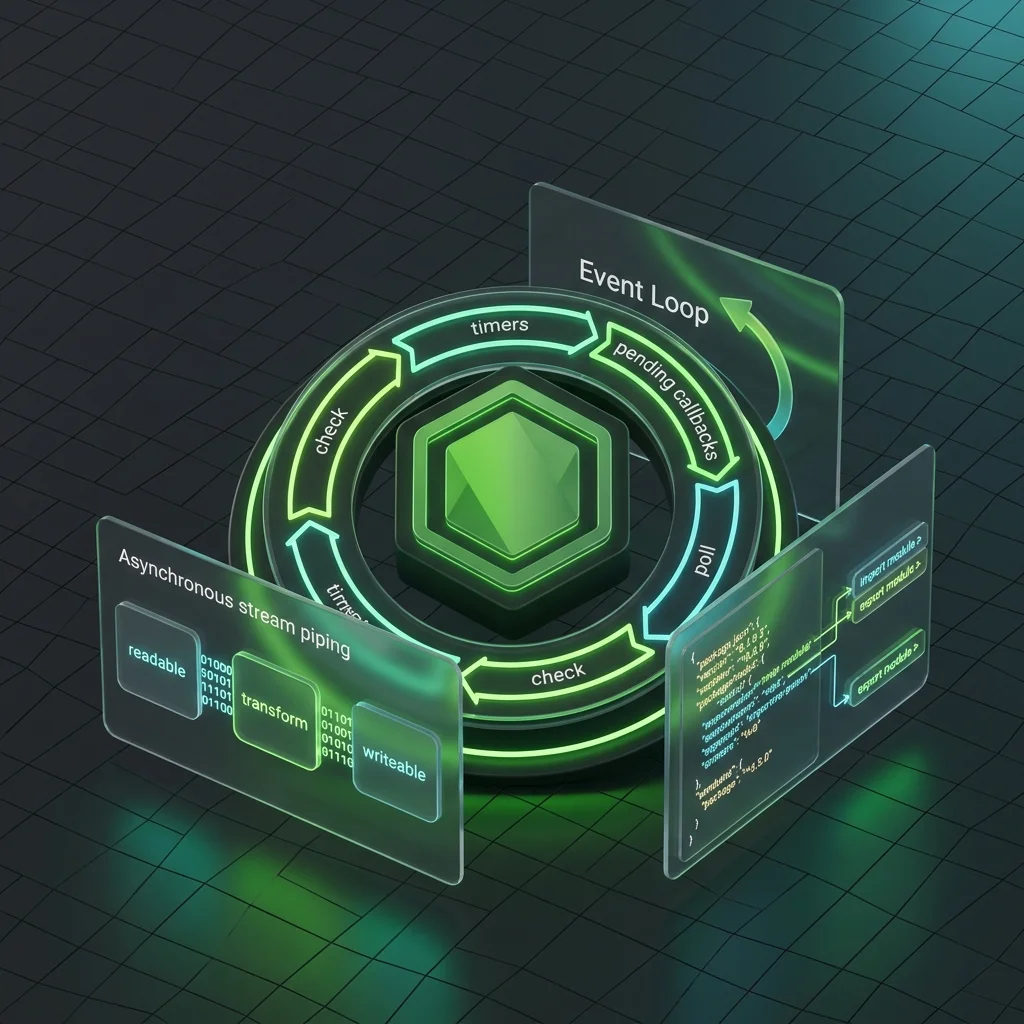
Node.js Cursor Rules: JavaScript Runtime
Cursor rules for Node.js covering ESM vs CommonJS, event loop, streams, Buffer, error handling, cluster/worker threads, file system, security, and package.json conventions.
 #aws
#awsAWS Cursor Rules: Lambda, IAM & Infrastructure as Code
Cursor rules for AWS covering Lambda handler patterns, IAM least privilege, API Gateway integration, S3 operations, CDK/SAM infrastructure as code, CloudWatch observability, and serverless best practices.
 #cypress
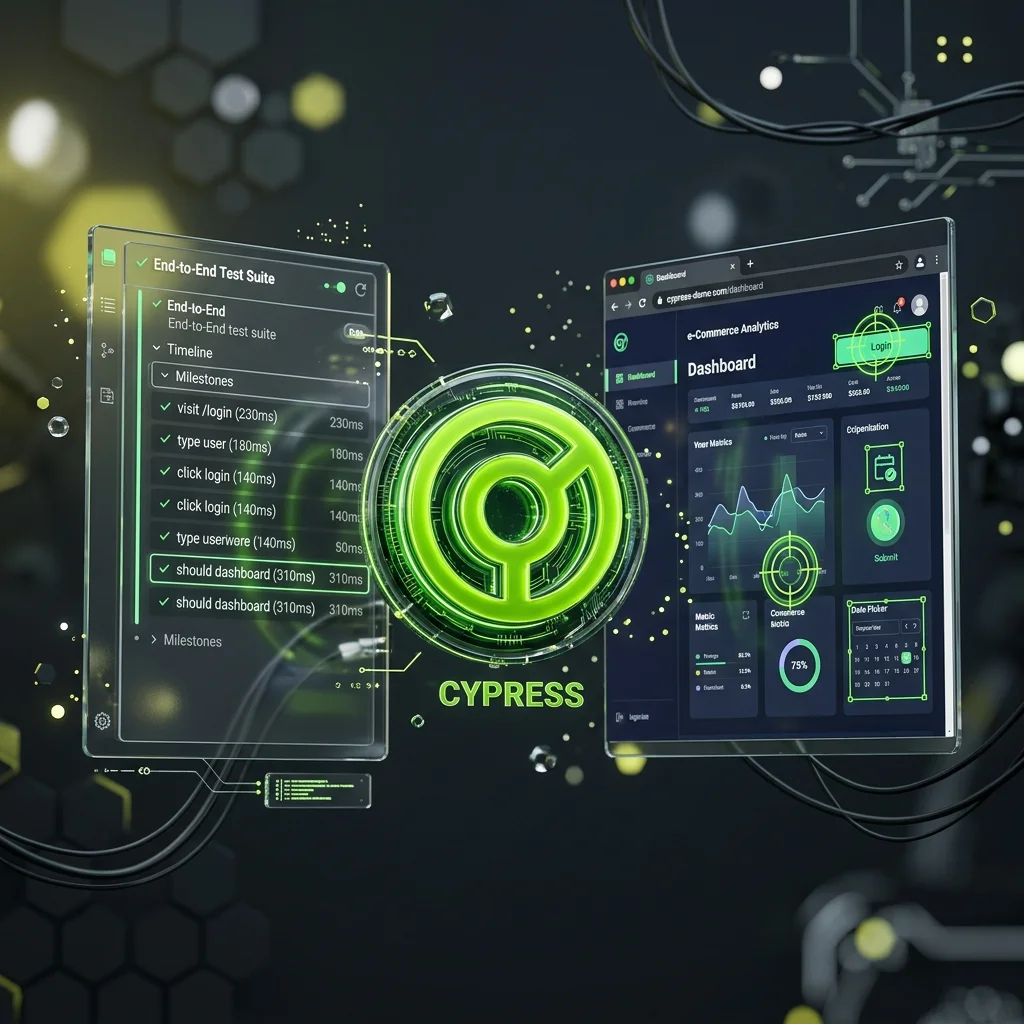
Cypress Cursor Rules: End-to-End Component Testing
Cursor rules for Cypress covering cy.intercept network stubbing, data-cy selectors, custom commands, retry-ability patterns, component testing with cy.mount, fixtures, and CI/CD parallelization.