Claude Extended Thinking: When & How to Use It
Master Claude's extended thinking feature. Learn when to enable it, how to read the thinking stream, debug faulty reasoning, and identify which problem types benefit most from silent reasoning.

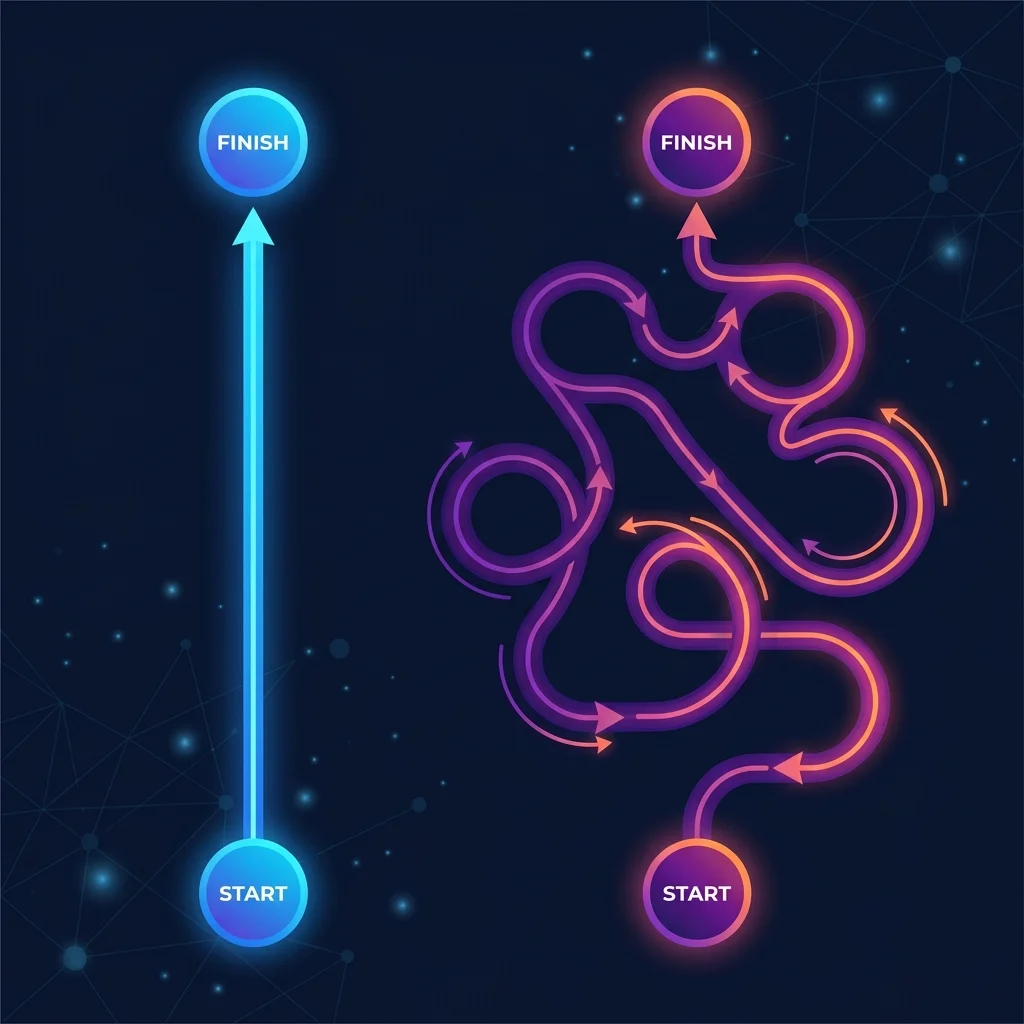
Extended thinking is Claude's secret weapon for complex reasoning. Instead of generating output token-by-token in a single pass, Claude can think silently — exploring multiple approaches, catching its own errors, and arriving at better answers before the user sees anything. This is fundamentally different from chain-of-thought prompting, where reasoning is visible (and billable) in the output.
Knowing when to use extended thinking is as important as knowing how. For simple queries, it adds latency and cost without benefit. For complex analysis, it's the difference between a shallow answer and genuine insight.
How Extended Thinking Works
When extended thinking is enabled, Claude:
- Receives the prompt normally
- Allocates thinking tokens internally (up to your specified budget)
- Reasons through the problem — exploring approaches, catching errors, verifying
- Produces the final output using insights from the thinking phase
- Returns the thinking stream separately (for debugging, not displayed by default)
The thinking stream is your window into Claude's reasoning process. It's invaluable for debugging — you can see where the model went wrong, what assumptions it made, and when it caught its own mistakes.
Enabling Extended Thinking (API)
import anthropic

response = anthropic.Anthropic().messages.create(
    model="claude-sonnet-4-20250514",
    max_tokens=4096,
    thinking={
        "type": "enabled",
        "budget_tokens": 4000
    },
    messages=[{
        "role": "user",
        "content": "Analyze this dataset for anomalies..."
    }]
)
When to Use Extended Thinking
Strong Candidates (significant uplift)
| Problem Type | Why Extended Thinking Helps | Recommended Budget |
|---|---|---|
| Multi-step math/proofs | Catches arithmetic errors, explores proof strategies | 4K-16K |
| Complex code architecture | Reasons about tradeoffs, validates against requirements | 8K-32K |
| Long-form analysis | Pre-outlines structure, validates consistency | 4K-16K |
| Error debugging/diagnosis | Forms and tests hypotheses before committing | 8K-16K |
| Strategic planning | Explores alternatives, checks for contradictions | 8K-32K |
Weak Candidates (minimal uplift)
| Problem Type | Why It Doesn't Help | Alternative |
|---|---|---|
| Simple Q&A | Answer is retrieval, not reasoning | Standard prompting |
| Creative writing | Overthinking kills creativity | Chain-of-thought for structure |
| Translation | Task is pattern-matching | Standard prompting |
| Summarization | Compression doesn't need exploration | Standard or chain-of-thought |
| Formatting/conversion | Deterministic task | Standard prompting |
Reading the Thinking Stream

The thinking stream reveals Claude's internal process. Here's what to look for:
Signs of Good Reasoning
- Methodical exploration: "Let me consider three approaches..."
- Constraint-aware evaluation: "Given the 10^5 input size, recursive risks stack overflow"
- Error detection: "Wait, that doesn't account for the edge case where..."
- Clear justification: "DP is the right choice because subproblems repeat frequently"
Signs of Bad Reasoning
- Premature commitment: "This is clearly an X problem. The solution is Y."
- Skipped verification: No validation step before producing output
- Overconfidence: No consideration of alternatives or edge cases
- Circular reasoning: "This works because it should work"
Debugging with the Thinking Stream
When Claude produces a wrong answer:
- Read the thinking stream to find where the reasoning went off track
- Look for: unsupported assumptions, skipped verification steps, premature conclusions
- Determine if the issue is: wrong approach or execution error
- Adjust your prompt to address the specific failure mode
Note:
Use this debugging prompt: "Claude, I reviewed your thinking stream. You assumed [X] at [point], but [Y is actually true]. Re-approach this problem without that assumption."
Prompt Engineering for Extended Thinking
The Thinking-Directive Prompt
Think through this problem using extended thinking. Use your thinking phase to:

1. RESTATE the problem in your own words to verify understanding
2. CONSIDER at least 3 approaches before committing to one
3. EVALUATE each approach against the stated constraints
4. VERIFY your chosen solution before presenting it

Your final output should present only your best solution, not the exploration process.
For Complex Decisions
This decision requires careful reasoning. In your thinking:

1. LIST all stakeholders affected by this decision
2. IDENTIFY constraints (budget, time, technical, political)
3. GENERATE at least 4 options, including one unconventional approach
4. SCORE each option against constraints on a simple scale (1-5)
5. SURFACE hidden assumptions in your scoring
6. RECOMMEND the best option with justification

Present: Recommended option + top alternative + key assumption to validate.
Common Failure Modes
Note:
Failure: Overthinking simple problems. Extended thinking on "What is 2+2?" wastes tokens. Solution: Gate extended thinking behind a complexity check — only enable for multi-step problems.
Note:
Failure: Thinking budget too small. 4K thinking tokens for a complex architecture review forces premature conclusions. Solution: Start with 8K minimum for non-trivial tasks; increase to 32K for architecture/planning.
Note:
Failure: Ignoring the thinking stream. When Claude produces a wrong answer, the thinking stream usually reveals why. Neglecting to review it means missing the root cause and repeating the same error.
Related Pages
- Budget Allocation — Set the right thinking token budget for your task. Data-backed recommendations for different task categories and a calibration process to find your optimal budget.
- CoT vs Extended Thinking — When to use chain-of-thought prompting instead of extended thinking. Decision framework and hybrid strategies.
Related Articles & Guides
Claude Extended Thinking: Strategies & Best Practices
Master Claude's extended thinking feature for complex reasoning. Learn when to enable extended thinking, how to allocate token budgets, and when chain-of-thought prompting is better than silent reasoning.
 #Claude
Extended Thinking Budget Allocation: Cost vs. Quality
Master token budget allocation for Claude's extended thinking. Understand cost tradeoffs, setting optimal budgets for different task categories, and when more thinking tokens stop adding value.
 #Claude
CoT vs Extended Thinking: When to Use Which
Compare chain-of-thought prompting vs Claude's extended thinking. Understand performance differences, use cases for each approach, and hybrid strategies that combine both for optimal results.