AutoGen Setup Guide
Complete setup and configuration guide for Microsoft's AutoGen — a multi-agent conversation framework. Group chats, code executor sandbox, Swarm handoffs, and human-in-the-loop patterns.
AutoGen
AutoGen is Microsoft's multi-agent conversation framework. Unlike CrewAI (which uses role-based task assignment), AutoGen models everything as a conversation — agents talk to each other in group chats, and the conversation itself drives task completion. It ships with built-in team patterns, a code execution sandbox, and human-in-the-loop support.
The current stable version (v0.4+) splits into autogen-core (low-level event-driven runtime) and autogen-agentchat (high-level API with preset agent behaviors and team patterns). Use AgentChat unless you need custom runtime behavior.
Note:
AutoGen v0.4 is a rewrite from v0.2. The old autogen package is deprecated. Always use autogen-agentchat + autogen-ext[openai] for new projects. Migration guide: microsoft.github.io/autogen.
Installation
Install AutoGen
Python 3.10+ required. Install the AgentChat API and OpenAI extension.
pip install autogen-agentchat autogen-ext[openai]
Configure API Keys
Set your OpenAI key. AutoGen also supports Azure OpenAI and any OpenAI-compatible endpoint.
export OPENAI_API_KEY=sk-...
Verify Installation
Create a single agent and send it a message.
from autogen_agentchat.agents import AssistantAgent
from autogen_ext.models.openai import OpenAIChatCompletionClient

agent = AssistantAgent(
    name="helper",
    model_client=OpenAIChatCompletionClient(model="gpt-4o"),
    system_message="You are a helpful assistant."
)
Core Concepts
Architecture Overview
Values: name, model_client, system_message, tools
Values: RoundRobin, SelectorGroupChat, Swarm
Values: OpenAIChatCompletionClient, AzureOpenAIChatCompletionClient
Values: DockerCommandLineCodeExecutor, LocalCommandLineCodeExecutor
Team Patterns
AutoGen ships with three team types. Each routes messages differently.
from autogen_agentchat.agents import AssistantAgent
from autogen_agentchat.teams import RoundRobinGroupChat, SelectorGroupChat
from autogen_agentchat.conditions import TextMentionTermination
from autogen_ext.models.openai import OpenAIChatCompletionClient

client = OpenAIChatCompletionClient(model="gpt-4o")
termination = TextMentionTermination("TERMINATE")

analyst = AssistantAgent("analyst", client, system_message="Analyze data and identify trends. Say TERMINATE when done.")
writer = AssistantAgent("writer", client, system_message="Write clear reports from analyst findings. Say TERMINATE when done.")
Team Types
Values: RoundRobinGroupChat(participants, termination_condition)
Values: SelectorGroupChat(participants, selector_func, termination_condition)
Values: Swarm(participants, initial_agent)
# RoundRobin: everyone speaks in turn
team = RoundRobinGroupChat([analyst, writer], termination_condition=termination)

# Selector: LLM decides who speaks next
team = SelectorGroupChat(
    [analyst, writer],
    model_client=client,
    termination_condition=termination
)

result = await team.run(task="Analyze Q4 sales data and write a summary report.")
Code Executor
AutoGen can execute agent-generated code in a sandbox. The agent writes code, the executor runs it, and results feed back into the conversation.
from autogen_ext.code_executors.docker import DockerCommandLineCodeExecutor

# Docker sandbox (production)
executor = DockerCommandLineCodeExecutor(image="python:3.11-slim", timeout=60)

# Local execution (development only — no isolation)
from autogen_ext.code_executors.local import LocalCommandLineCodeExecutor
executor = LocalCommandLineCodeExecutor(work_dir="./coding", timeout=30)

coder = AssistantAgent(
    "coder",
    client,
    system_message="Write Python code to solve problems. Execute it and report results.",
    code_executor=executor
)
Note:
The local executor runs code directly on your machine with no sandboxing. Use Docker executor in production. The agent can generate and execute arbitrary Python — the system message should restrict it to safe operations.
Human-in-the-Loop
AutoGen pauses execution when an agent needs human input. The team blocks until the human responds.
from autogen_agentchat.teams import RoundRobinGroupChat
from autogen_agentchat.agents import AssistantAgent, UserProxyAgent

# UserProxyAgent represents the human in the conversation
user = UserProxyAgent(
    name="user",
    description="A human who reviews and approves plans.",
    input_func=input  # Reads from stdin; replace with your UI function
)

planner = AssistantAgent(
    "planner",
    client,
    system_message="Propose a plan. Wait for the human to approve before executing."
)

team = RoundRobinGroupChat(
    [planner, user],
    termination_condition=TextMentionTermination("APPROVED")
)

# The conversation flows: planner proposes plan → user reviews and types approval
# → planner sees "APPROVED" and executes. The team ends when termination is met.
result = await team.run(task="Plan our Q3 marketing strategy.")
Model Wiring
# OpenAI
from autogen_ext.models.openai import OpenAIChatCompletionClient
client = OpenAIChatCompletionClient(model="gpt-4o")

# Azure OpenAI
from autogen_ext.models.azure import AzureOpenAIChatCompletionClient
client = AzureOpenAIChatCompletionClient(
    model="gpt-4o",
    azure_endpoint="https://your-resource.openai.azure.com/",
    api_version="2024-08-01-preview"
)

# Any OpenAI-compatible endpoint (Ollama, OpenRouter, Together AI)
client = OpenAIChatCompletionClient(
    model="llama3.2",
    base_url="http://localhost:11434/v1",
    api_key="ollama"  # Ollama doesn't require a real key
)
Key Takeaway
AutoGen's conversational model is its differentiator. Agents don't just execute tasks — they talk to each other, and the conversation IS the execution. This makes it stronger than CrewAI for tasks where agents need to debate, clarify, or iterate. Use RoundRobin for structured collaboration, SelectorGroupChat for task routing, and Swarm when you need agents to hand off dynamically. The Docker code executor is the killer feature: agents can write and run code without escaping the sandbox.
Related Articles & Guides
 #openai
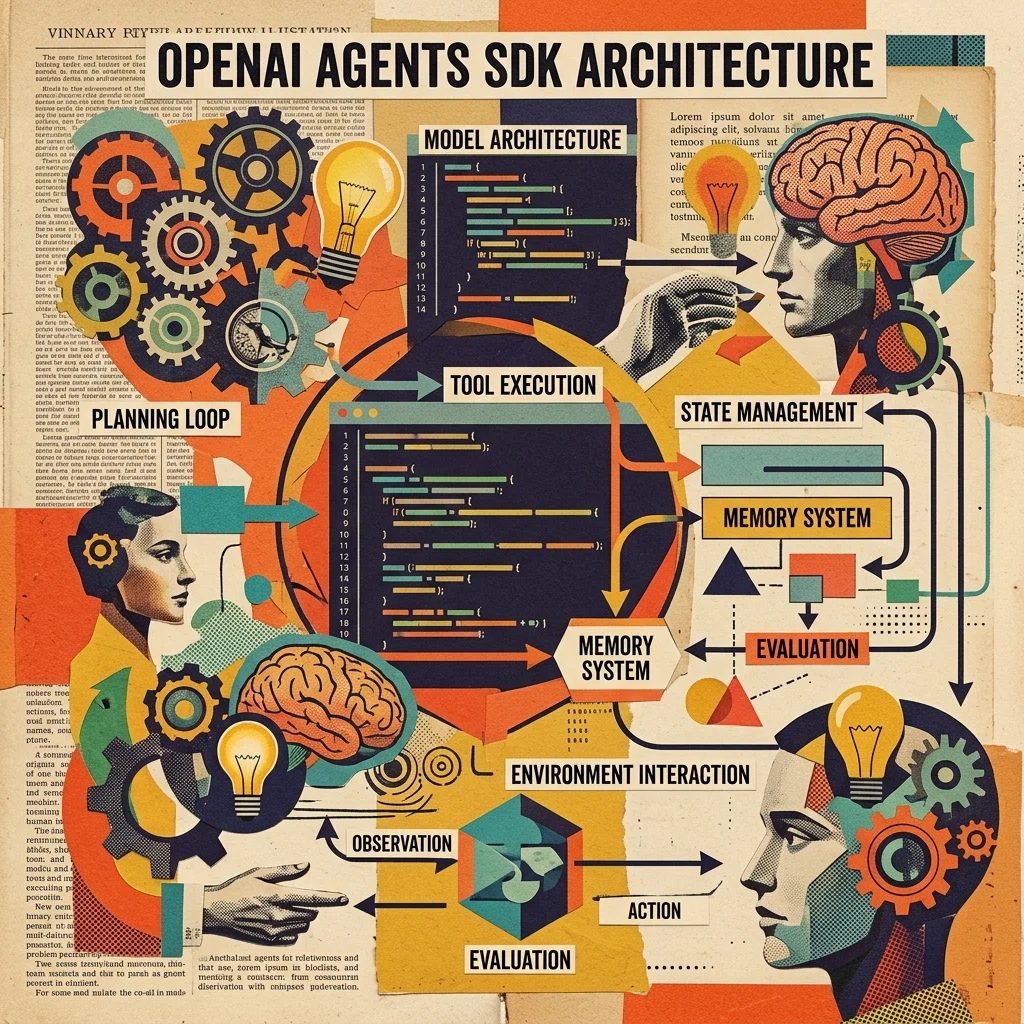
OpenAI Agents SDK: Architecture Deep-Dive and Framework Comparison
Detailed technical analysis of OpenAI's new Agents SDK — architecture, tool-use patterns, multi-agent orchestration, guardrails, tracing, and how it compares to LangGraph, AutoGen, and CrewAI across dimensions that matter for production deployments.
CrewAI 3.0: Long-Term Memory, Tool Delegation, and RAG-Based Tool Selection
A hands-on tutorial for CrewAI 3.0's three flagship features — persistent long-term memory that survives across sessions, agent-to-agent tool delegation, and RAG-based dynamic tool discovery. Build a research crew that remembers past sessions and delegates tool calls between agents.
CrewAI Setup Guide
Complete setup and configuration guide for CrewAI — the most popular open-source multi-agent orchestration framework. Role-based agents, Flows + Crews architecture, event-driven state management.