Playwright Cursor Rules: End-to-End Testing
Cursor rules for Playwright covering test fixtures, locators, web-first assertions, API mocking with page.route, authentication state, parallel execution, and CI configuration.
Overview
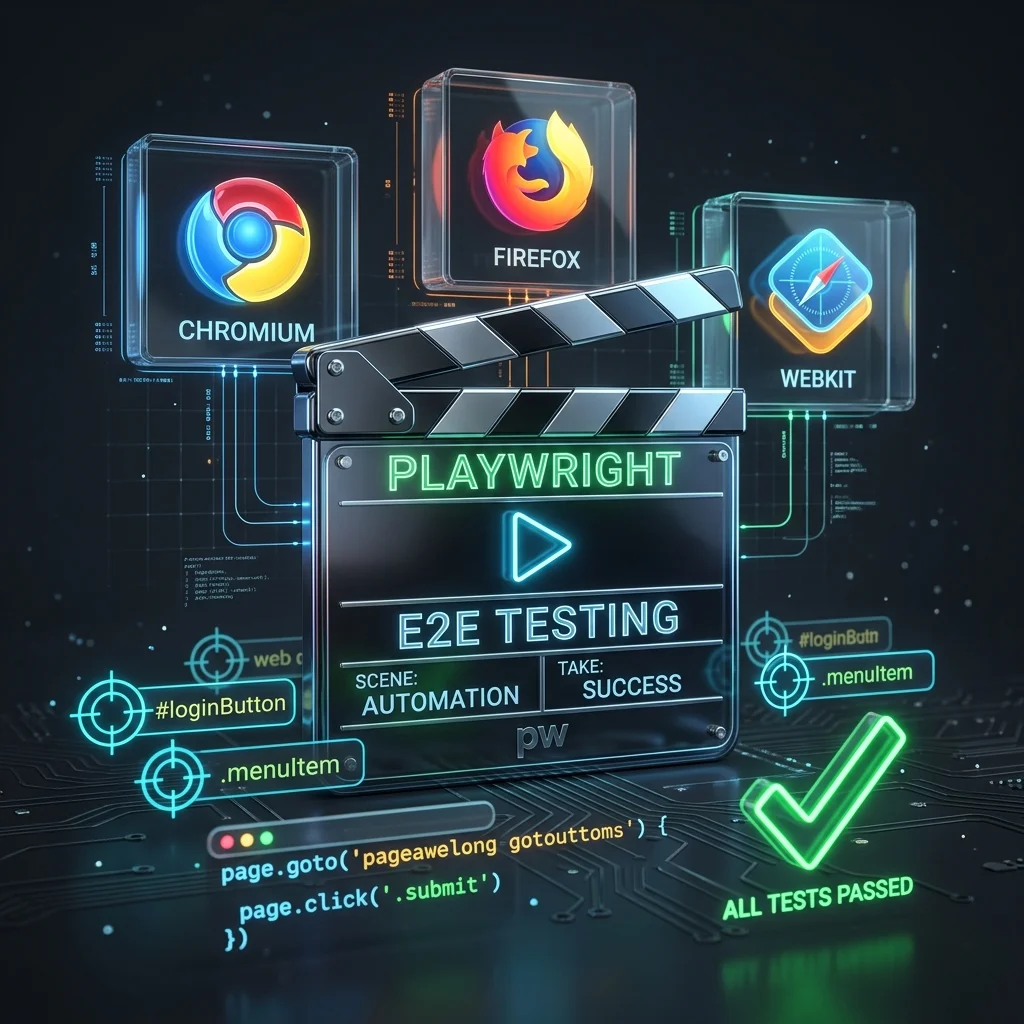
Playwright is Microsoft's end-to-end testing framework for modern web apps, supporting Chromium, Firefox, and WebKit with a single API. These cursor rules enforce locator priority, web-first assertions with auto-waiting, test isolation patterns, network mocking, authentication state management, and CI configuration so AI assistants generate reliable, maintainable Playwright tests.
Note:
Enforces locator priority (getByRole > getByLabel > getByPlaceholder > getByText > getByTestId), web-first assertions with auto-wait, test isolation (no shared state), page.route for API mocking, storageState for auth reuse, and CI-friendly configuration.
Rules Configuration
---
description: Enforces Playwright best practices including locator priority order, web-first assertions with auto-waiting, test isolation patterns, network mocking with page.route, authentication state reuse, and CI-ready configuration.
globs: **/*.spec.ts,**/*.spec.js,e2e/**/*.ts,tests/**/*.ts,playwright.config.ts
---
# Playwright Best Practices

You are an expert in Playwright, end-to-end testing, and test automation.
You understand locator strategies, auto-waiting mechanisms, test isolation, API mocking, and CI/CD testing pipelines.

### Locator Priority
- Always follow this priority order: getByRole > getByLabel > getByPlaceholder > getByText > getByTestId
- Use getByRole for interactive elements: `page.getByRole('button', { name: 'Submit' })`
- Use getByLabel for form fields: `page.getByLabel('Email')`
- Use getByPlaceholder for inputs: `page.getByPlaceholder('Search...')`
- Use getByText for static content: `page.getByText('Welcome back')`
- Use getByTestId only as a last resort: `page.getByTestId('submit-button')`
- Prefer chaining locators: `page.getByRole('listitem').filter({ hasText: 'Active' })`
- Use .first(), .last(), .nth(0) when multiple elements match

### Web-First Assertions
- Never use manual waits: `page.waitForTimeout(1000)` or `page.waitForSelector()`
- Assert visibility: `await expect(locator).toBeVisible()`
- Assert text content: `await expect(locator).toHaveText('Expected')`
- Assert input values: `await expect(locator).toHaveValue('[email protected]')`
- Assert enabled/disabled state: `await expect(button).toBeEnabled()`
- Assert URL: `await expect(page).toHaveURL(/.*dashboard/)`
- Use soft assertions for non-blocking checks: `await expect.soft(locator).toBeVisible()`
- Assert element count with .toHaveCount(n)

### Test Structure & Isolation
- Use `test.describe` to group related tests
- Use `test.beforeEach` for navigation and common setup
- Each test must be fully independent — never rely on test execution order
- Never share mutable state between tests (use before/after hooks)
- Use `test.describe.serial` only when absolutely necessary (stateful workflows)
- Use tagged tests: `test('name', { tag: '@smoke' }, async () => { ... })`
- Name tests descriptively: "user can submit login form with valid credentials"

### Network Mocking & API Testing
- Use `page.route()` to intercept and mock API calls
- Mock responses: `route.fulfill({ status: 200, json: { data: [...] } })`
- Abort requests to external services: `route.abort()`
- Modify requests before they're sent: `route.continue({ postData: JSON.stringify({ ... }) })`
- Use `page.waitForResponse()` to wait for specific API calls to complete
- Use `page.waitForRequest()` to assert that a request was made
- Use `page.request` for standalone API testing (no browser needed)
- Use `route.fulfill({ body: await route.fetch() })` to proxy requests with modifications

### Visual Comparisons
- Screenshot snapshot: `await expect(page).toHaveScreenshot('homepage.png', { fullPage: true })`
- Element snapshot: `await expect(locator).toHaveScreenshot()`
- Update snapshots: `npx playwright test --update-snapshots`
- Max pixel diff ratio: `{ maxDiffPixelRatio: 0.01 }`
- Use `mask: [locator]` to ignore dynamic content (timestamps, ads)
- Store reference screenshots alongside test files in `__screenshots__`

### Mobile Emulation
- Use built-in device descriptors: `{ ...devices['iPhone 13'], ...devices['Pixel 5'] }`
- Set viewport: `{ viewport: { width: 375, height: 812 } }`
- Emulate geolocation: `await context.setGeolocation({ latitude, longitude })`
- Set permissions: `await context.grantPermissions(['camera', 'microphone'])`
- User agent: `userAgent: 'Mozilla/5.0 ...'` in device descriptor
- Touch events: `hasTouch: true` in device descriptor
- Add mobile-specific projects in playwright.config.ts

### Test Fixtures & Extensions
- Use `test.extend` to create custom fixtures: `const test = base.extend<{ myFixture: MyType }>({ ... })`
- Override built-in fixtures: `{ page: async ({ browser }, use) => { ... } }`
- Logged-in page fixture: `authenticatedPage` that navigates and sets auth state
- Clean up fixture resources: always call `await use(value)` then teardown
- Use `test.step()` for grouping actions in reports: `await test.step('Login', async () => { ... })`
- Use `test.info()` to access test metadata: `test.info().title`, `test.info().errors`
- Annotate tests: `test.skip()`, `test.fixme()`, `test.fail()` for known failures
- Use `test.slow()` to triple timeout for slow but non-flaky tests

### Authentication & State
- Use `storageState` to persist authentication across tests
- Authenticate once in global setup: `test.use({ storageState: 'auth.json' })`
- Save storage state: `await page.context().storageState({ path: 'auth.json' })`
- Use `test.describe.configure({ mode: 'serial' })` when sharing auth context
- Create a `login` fixture function that saves/loads auth state
- Never hardcode credentials in test files — use environment variables

### Configuration (playwright.config.ts)
- Configure multiple browser projects: `{ name: 'chromium' }, { name: 'firefox' }, { name: 'webkit' }`
- Set global timeout: `timeout: 30000` (30 seconds default)
- Set expect timeout: `expect: { timeout: 5000 }`
- Configure retries: `retries: process.env.CI ? 2 : 0`
- Set workers: `workers: process.env.CI ? 1 : undefined`
- Use webServer to start dev server: `webServer: { command: 'npm run start', port: 3000 }`
- Configure baseURL: `use: { baseURL: 'http://localhost:3000' }`
- Take screenshot on failure: `use: { screenshot: 'only-on-failure' }`
- Record trace on failure: `use: { trace: 'on-first-retry' }`

### Debugging & CI
- Use `--debug` flag for step-through debugging
- Use `--ui` mode for interactive test exploration
- Use `--trace on` to collect traces for every test
- In CI: set `CI=true` and use `workers: 1` for consistency
- Always install dependencies: `npx playwright install --with-deps`
- Generate reports: `npx playwright show-report`
Installation
Create playwright.mdc in your project's .cursor/rules/ directory and paste the configuration above. Cursor and Windsurf both read .cursor/rules/ — Copilot users place it in .github/copilot-instructions.md instead.
# Initialize Playwright in your project
npm init playwright@latest

# Install browsers
npx playwright install --with-deps
Examples
// auth.setup.ts — Global authentication setup
import { test as setup, expect } from "@playwright/test";

const authFile = "playwright/.auth/user.json";

setup("authenticate", async ({ page }) => {
  await page.goto("/login");
  await page.getByLabel("Email").fill(process.env.TEST_EMAIL!);
  await page.getByLabel("Password").fill(process.env.TEST_PASSWORD!);
  await page.getByRole("button", { name: "Sign in" }).click();
  await expect(page).toHaveURL(/.*dashboard/);
  await page.context().storageState({ path: authFile });
});
// posts.spec.ts — Test with auth state and API mocking
import { test, expect } from "@playwright/test";

test.use({ storageState: "playwright/.auth/user.json" });

test.describe("Posts", () => {
  test("displays the posts list", async ({ page }) => {
    await page.route("**/api/posts", (route) =>
      route.fulfill({
        status: 200,
        json: [
          { id: 1, title: "Hello World" },
          { id: 2, title: "Second Post" },
        ],
      }),
    );

    await page.goto("/posts");

    await expect(page.getByText("Hello World")).toBeVisible();
    await expect(page.getByRole("listitem")).toHaveCount(2);
  });

  test("handles empty state", async ({ page }) => {
    await page.route("**/api/posts", (route) =>
      route.fulfill({ status: 200, json: [] }),
    );

    await page.goto("/posts");

    await expect(page.getByText("No posts yet")).toBeVisible();
  });

  test("shows error on API failure", async ({ page }) => {
    await page.route("**/api/posts", (route) =>
      route.abort("failed"),
    );

    await page.goto("/posts");

    await expect(page.getByText("Failed to load posts")).toBeVisible();
  });
});
// playwright.config.ts — Production-grade configuration
import { defineConfig, devices } from "@playwright/test";

export default defineConfig({
  testDir: "./e2e",
  fullyParallel: true,
  forbidOnly: !!process.env.CI,
  retries: process.env.CI ? 2 : 0,
  workers: process.env.CI ? 1 : undefined,
  reporter: [["html"], ["list"]],
  timeout: 30000,
  expect: { timeout: 5000 },

  use: {
    baseURL: "http://localhost:3000",
    trace: "on-first-retry",
    screenshot: "only-on-failure",
  },

  projects: [
    {
      name: "chromium",
      use: { ...devices["Desktop Chrome"] },
    },
    {
      name: "firefox",
      use: { ...devices["Desktop Firefox"] },
    },
    {
      name: "webkit",
      use: { ...devices["Desktop Safari"] },
    },
    {
      name: "mobile-chrome",
      use: { ...devices["Pixel 5"] },
    },
  ],

  webServer: {
    command: "npm run dev",
    port: 3000,
    reuseExistingServer: !process.env.CI,
  },
});
Related Resources
Related Articles & Guides
 #cypress
Cypress Cursor Rules: End-to-End Component Testing
Cursor rules for Cypress covering cy.intercept network stubbing, data-cy selectors, custom commands, retry-ability patterns, component testing with cy.mount, fixtures, and CI/CD parallelization.
 #pytest
Pytest Cursor Rules: Python Testing Best Practices
Cursor rules for Pytest covering fixtures, parametrized tests, mocking with monkeypatch/pytest-mock, exception testing, conftest.py patterns, temporary files, and plugin configuration for fast, maintainable Python tests.
 #vitest
Vitest Cursor Rules: Next-Gen Unit Testing
Cursor rules for Vitest covering test structure, mocking with vi.fn/vi.mock, snapshot testing, code coverage, browser mode, workspace config, and performance optimization for fast unit tests.