Prompt Engineering in Antigravity CLI
Effective prompting strategies for Antigravity CLI. Multi-model routing, system prompts, context management, hooks, subagents, and agent skills.
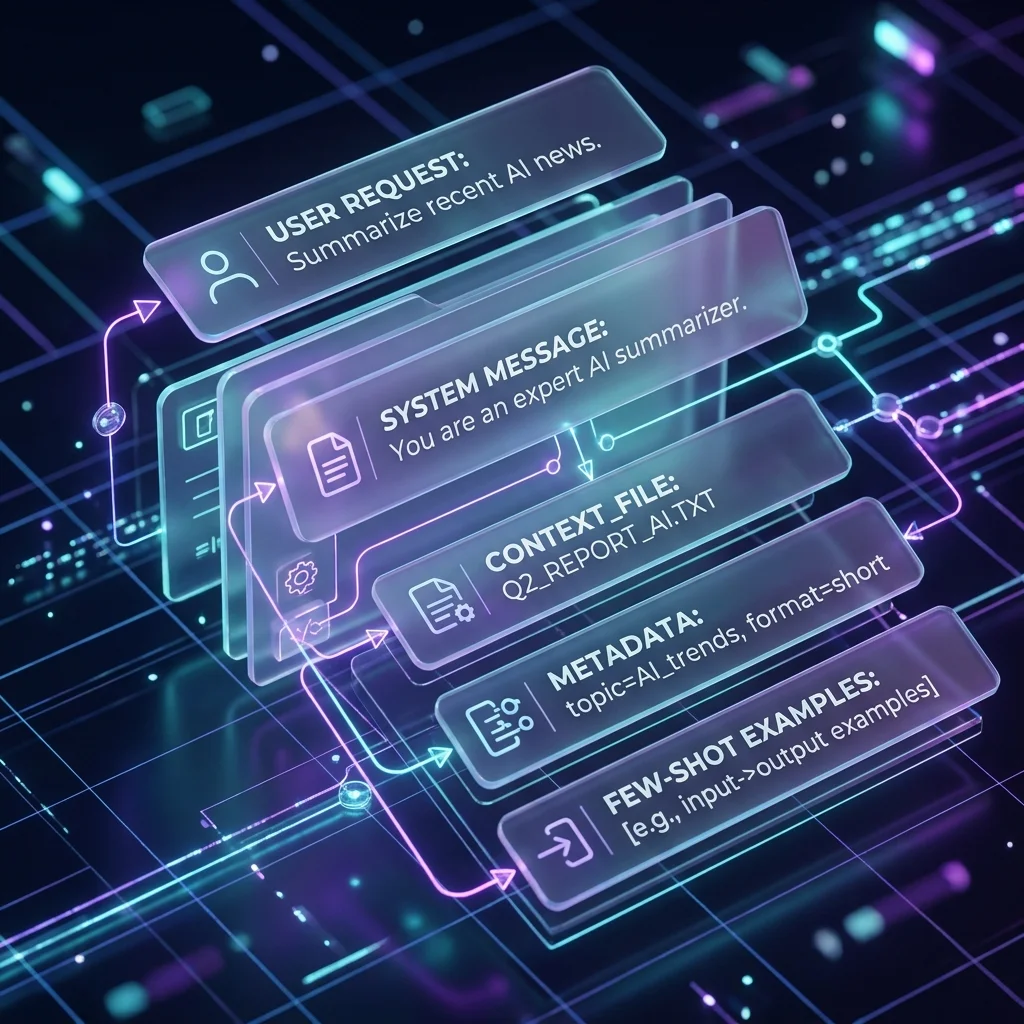
Prompt Engineering in Antigravity CLI
Antigravity CLI supports multiple models, agent skills, hooks, and subagents. Effective prompting requires understanding when to use each.
Multi-Model Routing
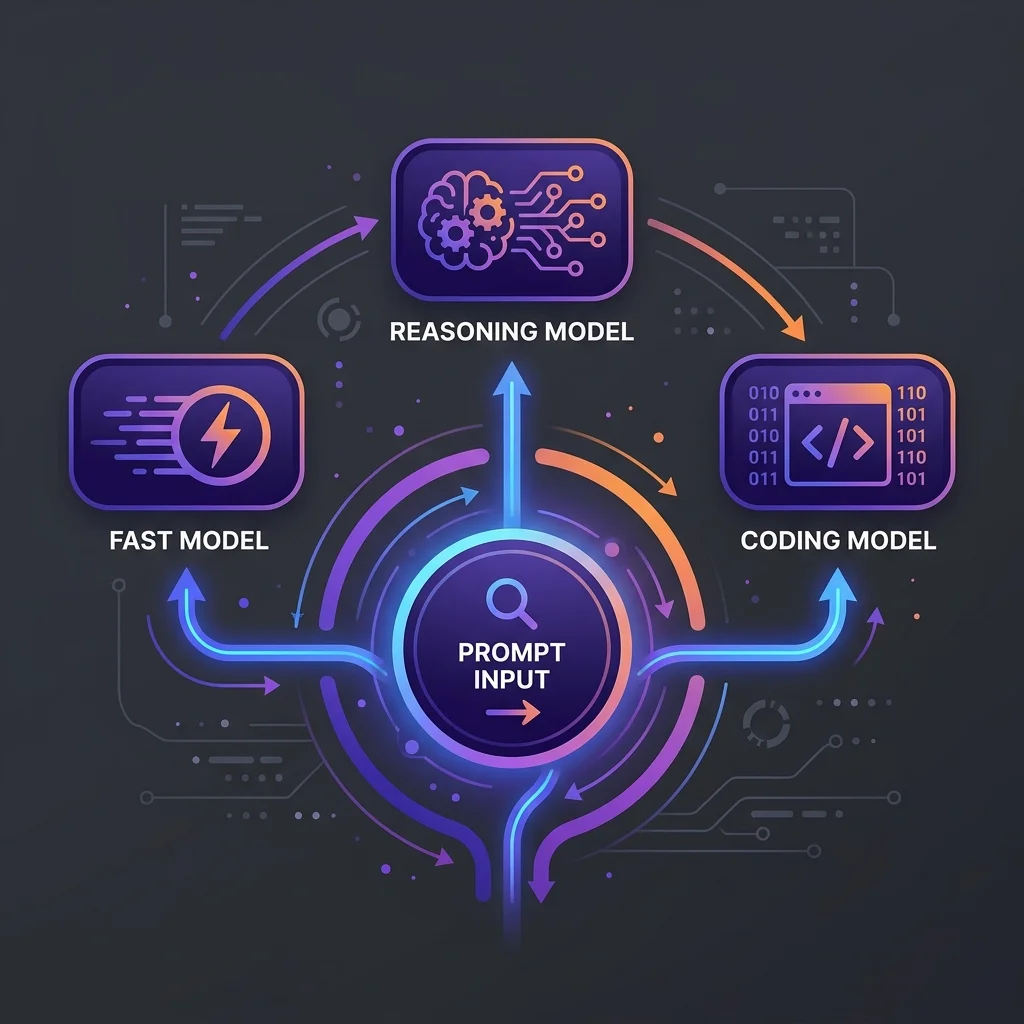
Antigravity CLI's key differentiator is built-in multi-model support. Route tasks to the right model:
Quick one-off questions
Use Gemini 3.5 Flash for speed:
agy -p "What does this function do?"
agy --model "Gemini 3.5 Flash (Low)" -p "List all TODO comments in this project"
Complex architecture decisions
Use Claude Opus or Gemini 3.1 Pro for deep reasoning:
agy --model "Claude Opus 4.6 (Thinking)" -p "Design a data pipeline that handles 10M events/day"
In-session switching
> /model Gemini 3.5 Flash (High)
> Explain how this GraphQL resolver works
> /model Claude Opus 4.6 (Thinking)
> Now audit the same resolver for security vulnerabilities
Context Management
GEMINI.md
Create a GEMINI.md at project root for persistent context:
# Project Context

## Commands
- `npm run dev` — Dev server
- `npm run build` — Production build
- `npm test` — Run tests

## Architecture
- Next.js 15 App Router
- Tailwind CSS v4
- Supabase for database + auth
- Vitest + Playwright for testing

## Conventions
- Components in `src/components/`
- Pages in `src/app/`
- PascalCase for component files
Session checkpoints
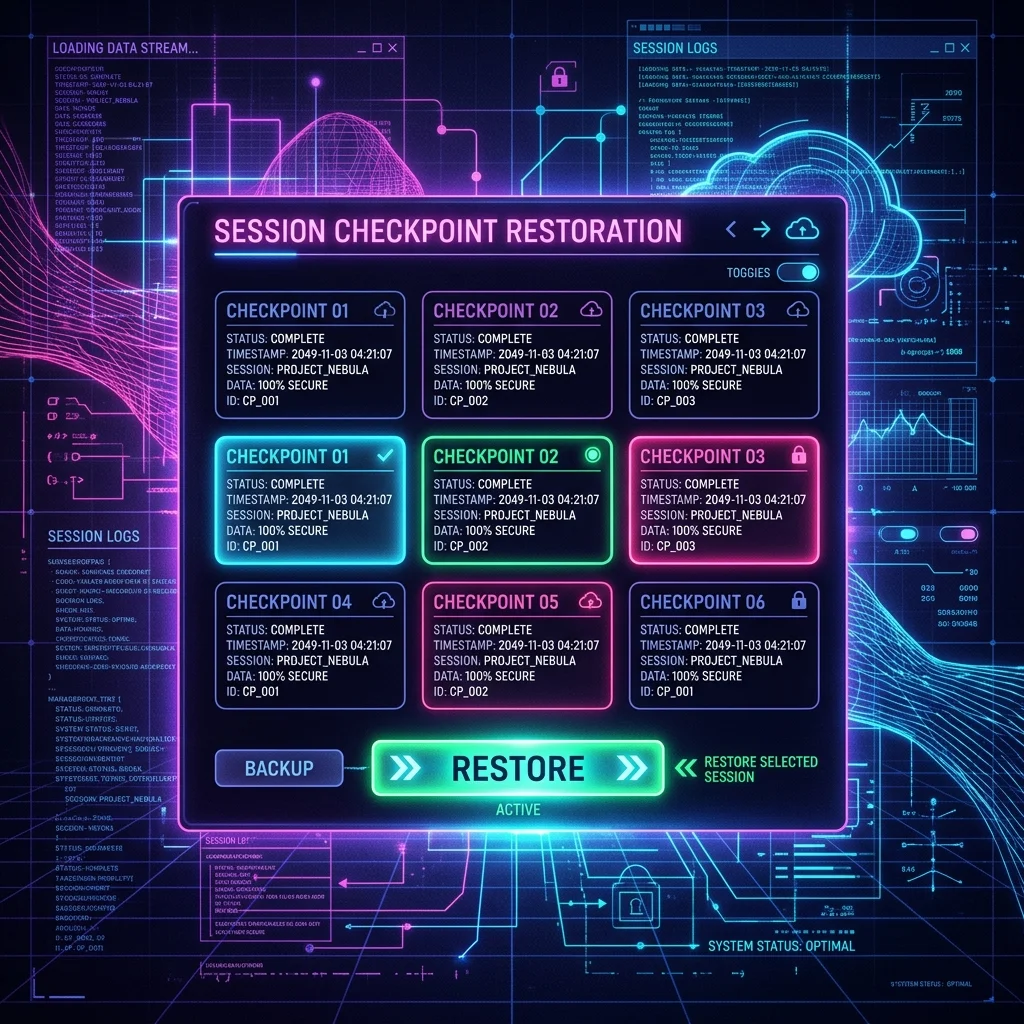
Save and resume complex sessions:
> /checkpoint
... work ...
> /checkpoint restore <id>
Hooks
Hooks let you customize behavior at key points in the agent loop:
Hook types
| Hook | When it runs |
|---|---|
pre-apply | Before applying changes |
post-apply | After applying changes |
verify | After post-apply, to validate |
Example: Always run lint after changes
Create .gemini/hooks/post-apply:
#!/bin/bash
npm run lint
Example: Verify build still works
Create .gemini/hooks/verify:
#!/bin/bash
npm run build
Subagents
Subagents let you delegate specialized work to dedicated agents:
> /agents "Write comprehensive tests for the auth module"
> /agents --model "Claude Opus 4.6 (Thinking)" "Audit this codebase for security issues"
Agents run in the background and report back when done:
> /agents --background "Refactor all database queries to use prepared statements"
... you keep working ...
[agents] Complete: Refactored 14 queries across 6 files
Agent Skills
Agent Skills is an open standard for packaging specialized expertise as portable SKILL.md folders. Antigravity CLI auto-loads skills from the project's .agents/ directory or global config at startup — no manual activation needed.
List available skills:
> /skills
Skills are community-contributed and installed via the plugin system. See the Agent Skills guide for the format specification, best practices, and cross-tool usage.
Prompt Patterns
The "Explain and Extend" Pattern
Read src/lib/api.ts and explain the authentication flow.
Then add rate limiting using the same patterns.
The "Generate, Then Polish" Pattern
Generate a React component for a data table with sorting and filtering.
First generate the skeleton, then I'll ask for refinements.
The "Cross-Model Review" Pattern
> /model Gemini 3.5 Flash (High)
Generate a TypeScript utility library with 10 string manipulation functions.
> /model Claude Opus 4.6 (Thinking)
Review the generated code for edge cases and type safety.
Related
- Getting Started — Install and first session
- Configuration Reference — Settings, MCP, plugins
- Patterns — Subagents, hooks, async tasks
Related Articles & Guides
 #antigravity
Antigravity CLI — AI Coding Agent for Everyone
Google's terminal-based AI coding agent. Replaces Gemini CLI for individual consumers. Go-native, multi-model, async workflows. Install with curl, authenticate with Google, start coding.
Antigravity CLI — Configuration Reference
Complete configuration reference for Antigravity CLI. Settings.json, environment variables, MCP servers, plugins, trusted folders, and project context files.
Antigravity CLI — Getting Started
Install, authenticate, and run your first Antigravity CLI session. Covers curl install, npm, Homebrew, OAuth, API key auth, and essential commands.