Continue.dev — AI Coding Tool Guide
Open-source AI code assistant. Local model support, custom slash commands, configuration, and integration with Ollama, LM Studio, and cloud APIs.
Continue.dev
Continue.dev is the leading open-source AI code assistant. It's a VS Code/JetBrains extension that connects to any model — local (Ollama, LM Studio) or cloud (Anthropic, OpenAI, Gemini).
What Makes Continue.dev Different
- Fully open-source — MIT license, inspect/modify everything
- Local models — Use Ollama or LM Studio for offline coding
- Custom slash commands — Create project-specific AI workflows
- Model flexibility — Switch between local and cloud models in the same session
Getting Started
Install from continue.dev, then configure ~/.continue/config.json:
{
  "models": [
    {
      "title": "Claude Sonnet 4",
      "provider": "anthropic",
      "model": "claude-sonnet-4-20250514",
      "apiKey": "${ANTHROPIC_API_KEY}"
    },
    {
      "title": "Llama 4 (Local)",
      "provider": "ollama",
      "model": "llama4"
    }
  ],
  "tabAutocompleteModel": {
    "title": "Starcoder2",
    "provider": "ollama",
    "model": "starcoder2:3b"
  }
}
Custom Slash Commands
~/.continue/config.ts:
export function modifyConfig(config: Config): Config {
  config.slashCommands = [
    {
      name: "review",
      description: "Code review with project standards",
      prompt: `Review this code against our standards:
      - TypeScript strict mode, no any types
      - Server components unless interactivity needed
      - Error boundaries on route segments
      Return a list of violations and suggested fixes.`
    },
    {
      name: "explain",
      description: "Explain selected code",
      prompt: "Explain this code at a senior engineer level. Cover: architecture decisions, patterns used, potential issues."
    }
  ];
  return config;
}
When to Choose Continue.dev
Continue.dev is the natural pick when the constraint is freedom and cost: it's fully open source, runs on local models, and works with whatever provider you already pay for. It fits:
- Local-first developers — Code offline with Ollama or LM Studio, with no cloud calls and no per-token bills.
- Heterogeneous teams — Standardize on one extension while letting each developer pick their own model (local or cloud) rather than forcing a single vendor.
- Custom workflows — The
config.tsAPI and slash commands let you bake team-specific review, explain, and scaffold workflows directly into the assistant.
For the fully open-source, terminal-based agent alternative, see OpenCode. If your team lives in GitHub, Copilot offers deeper GitHub integration; for a VS Code fork with agent mode, see Cursor.
Frequently Asked Questions
Related Pages
- Tool Comparison — Continue.dev vs other AI coding tools
- OpenCode — open-source terminal agent with provider flexibility
- Ollama Deep Researcher (MCP) — Local model MCP integration
- Cursor — AI-powered VS Code fork with agent mode
Related Articles & Guides
DeepSeek Harness — Agent Runtime
Complete guide to DeepSeek Harness (dsh), the MIT-licensed agent runtime where everything is a plugin. Covers installation, presets, model setup, plugins, and comparison to Claude Code and Codex.
 #officecli
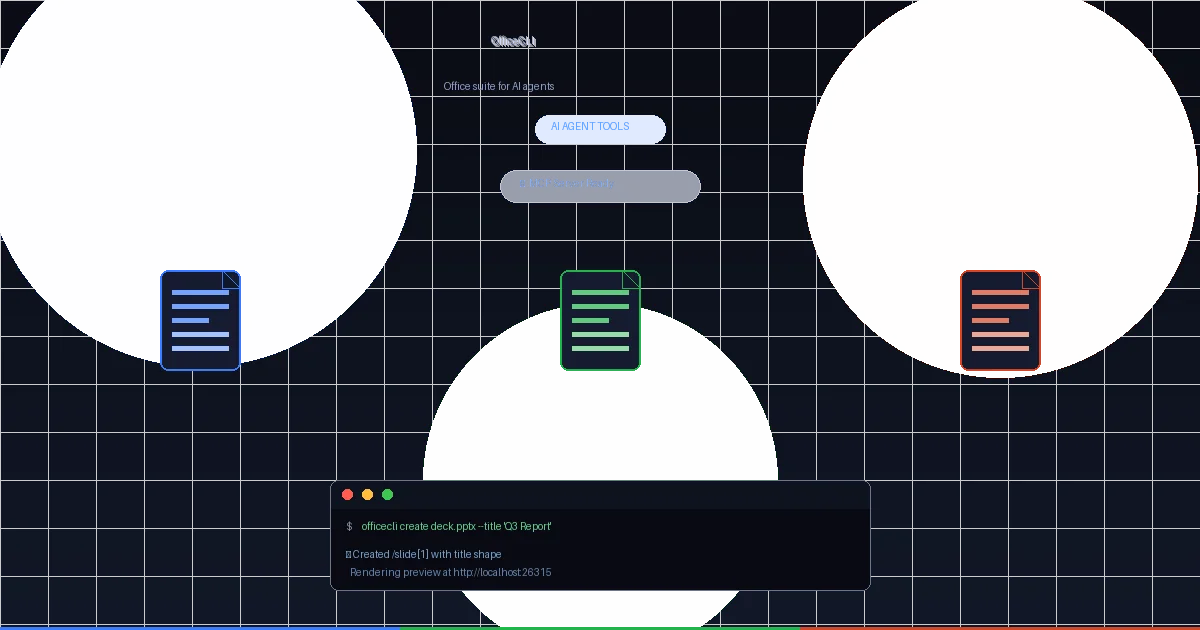
OfficeCLI — An Office Suite Purpose-Built for AI Agents
OfficeCLI is the first open-source Office suite designed from the ground up for AI agents. Single binary, no Office installation required, with a built-in rendering engine that closes the create-view-fix loop autonomously. Here's why this fills a critical gap in enterprise agent tooling.
GitHub Copilot — Configuration Reference
Configure GitHub Copilot for your project. copilot-instructions.md, .vscode/settings.json, .github/ conventions, model settings, and integration with Copilot Chat and Agent mode.