CLI-First Development with Antigravity Image Pipeline
Use fast CLI tools for all coding, then switch to Antigravity for Nano Banana image generation. Both under one Google AI Pro plan with no per-image fees.
CLI-First Development with Antigravity Image Pipeline
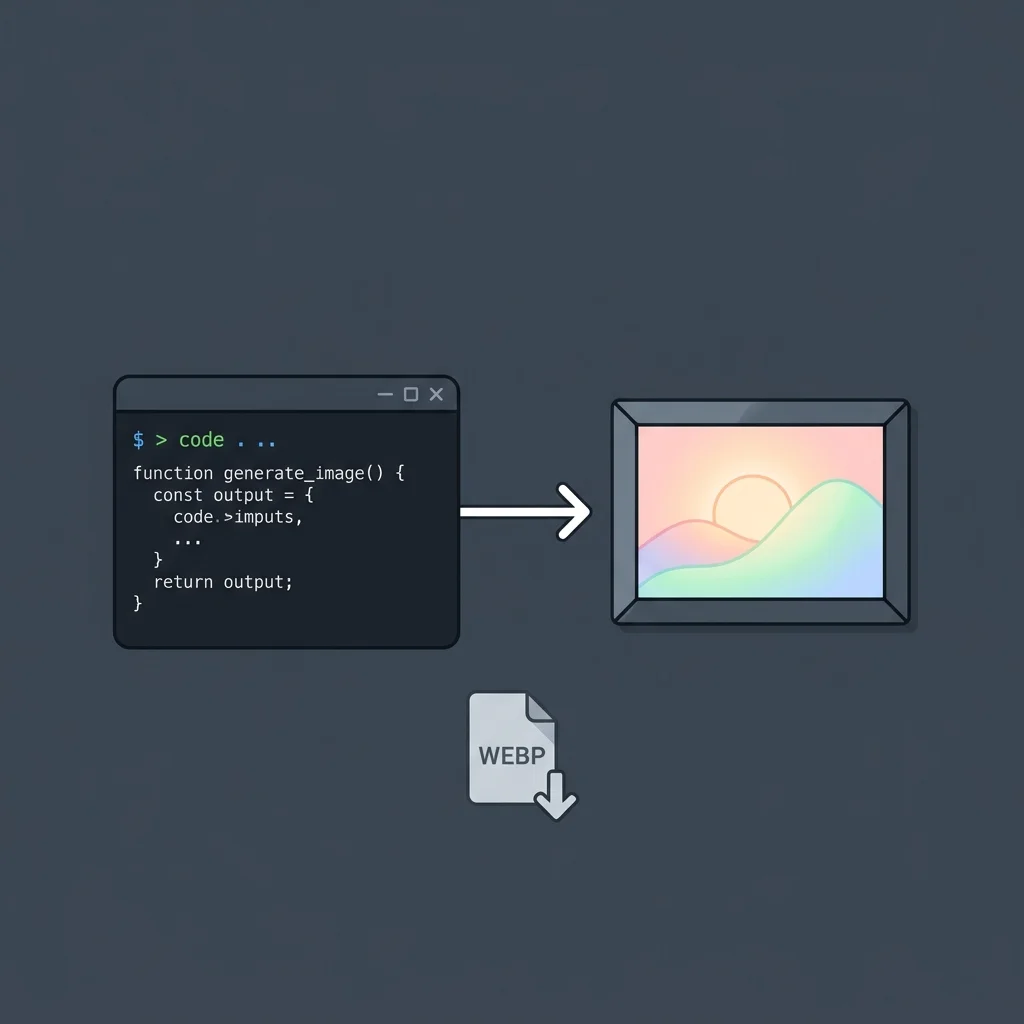
Most AI coding tools can't generate images. Antigravity can, but it's memory-hungry — fine for prompting Nano Banana, heavy for long coding sessions. This pattern splits the work: fast CLI tools handle code, Antigravity handles images. Both under one $19.99/mo Google AI Pro plan.
Overview
The pattern has four stages:
- Code — Use lean CLI tools (Claude Code, OpenCode) for all development. Fast, no resource drain, no background indexing.
- Placeholder — During build, drop in placeholder images. Keep shipping code without blocking on assets.
- Generate — Switch to Antigravity and prompt Nano Banana for final images. Hero images, OG images, UI mockup references, diagrams.
- Compress — Run
cwebpon generated images. Ship production-ready WebP assets.
The key insight: Antigravity 2.0 can code, but it's memory-intensive. CLI tools are lean and fast. Antigravity's real differentiator is Nano Banana access under the same Pro plan — no other coding tool generates images natively.
Key Features
- Full-stack development under one $19.99/mo subscription — code + images
- No per-image billing, no separate API key, no metering anxiety
- CLI tools stay fast and responsive — Antigravity only handles the image step
cwebpcompression keeps generated images production-ready- Works with any CLI tool — Claude Code, OpenCode, agy, whatever you prefer
Installation & Setup
CLI tools
Any fast CLI agent works. The pattern is tool-agnostic:
# Claude Code
npm install -g @anthropic-ai/claude-code

# OpenCode
npm install -g opencode

# Antigravity CLI (replaces Gemini CLI)
curl -fsSL https://antigravity.google/cli/install.sh | bash
# Binary is 'agy', not 'antigravity'
Antigravity for image generation
Antigravity 2.0 is a standalone desktop app. The old VS Code fork (Antigravity IDE) also works if you prefer it. Either way, Nano Banana is native — no separate setup.
Important: Antigravity 2.0 and the old IDE cannot run simultaneously. Pick one. If you install 2.0 and want the IDE back, you need a full purge first.
WebP compression
# macOS
brew install webp

# Linux (Ubuntu/Debian)
sudo apt install webp
# Other distros: package may be named libwebp-tools

# Basic usage
cwebp -q 80 input.png -o output.webp

# Batch compress a directory
for f in *.png; do cwebp -q 80 "$f" -o "${f%.png}.webp"; done
Configuration
cwebp quality settings by use case
| Asset Type | Quality | Command |
|---|---|---|
| Hero images | 85 | cwebp -q 85 hero.png -o hero.webp |
| OG images | 80 | cwebp -q 80 og.png -o og.webp |
| Diagrams | 90 | cwebp -q 90 diagram.png -o diagram.webp |
| Thumbnails | 75 | cwebp -q 75 thumb.png -o thumb.webp |
Lossless option for diagrams
cwebp -lossless diagram.png -o diagram.webp
Workflow
Stage 1: Build with CLI tools
All coding happens in Claude Code, OpenCode, or agy. Generate pages, write content, build the site. Use placeholder images:
<!-- Placeholder during development -->
<img src="/images/placeholder-hero.png" alt="Hero" />
Stage 2: Generate images in Antigravity
When the code is stable, switch to Antigravity for assets. Open the app and prompt Nano Banana directly:
Generate a hero image for a developer tools landing page.
Dark theme, abstract code patterns, blue (#3B82F6) accent.
16:9 aspect ratio, 2K resolution.
Save the output to your project's image directory.
Stage 3: Compress and integrate
# Compress to WebP
cwebp -q 85 generated-hero.png -o public/images/hero.webp

# Update the reference
<img src="/images/hero.webp" alt="Hero" />
When to Use
- Building landing pages that need hero images
- Generating OG images for blog posts and content pages
- Creating UI mockup references before coding a component
- Producing diagram illustrations for documentation
- Any project where visual assets and code live together
Pro Plan vs Free vs API
| Approach | Coding | Image Gen | Cost |
|---|---|---|---|
| Google AI Pro ($19.99/mo) | CLI tools + agy | Antigravity + Nano Banana, no per-image fees | One flat subscription |
| Free tier | Gemini app only | Tight limits, impractical for dev work | $0 |
| Gemini API (pay-as-you-go) | Pay-per-token | $0.039–$0.24 per image, separate key | Metered, two bills |
Best Practices
Keep Antigravity for images only
It can code, but it's resource-intensive. CLI tools give you speed and responsiveness for the actual development work. Use Antigravity when you specifically need image generation.
Prompt Nano Banana effectively
Be specific about subjects, colors (use hex codes), fonts, lighting, and composition. See the Nano Banana prompts section for detailed prompt patterns.
Compress before shipping
Generated images are uncompressed PNGs. Always run cwebp before deploying. Hero images at quality 85, diagrams at 90, thumbnails at 75.
Use the right model
Nano Banana 2 (gemini-3.1-flash-image-preview) is the default. Nano Banana Pro (gemini-3-pro-image-preview) for higher quality at 2K/4K resolution. Both available in Antigravity under the Pro plan.
Troubleshooting
Antigravity 2.0 replaced my IDE
The May 2026 I/O update silently replaced the VS Code fork with a standalone chat app. If you want the old IDE back: uninstall 2.0 completely, download Antigravity IDE from antigravity.google/releases (v1.23.2), and set "update.mode": "manual" in settings.
Images look wrong or low quality
Check the model — Nano Banana 2 vs Nano Banana Pro differ in resolution and quality. Be hyper-specific in prompts. Use photographic terms, hex codes for colors, and describe lighting explicitly. The DeepMind prompt guide has detailed examples.
WebP files are too large
Lower the quality flag. For most web images, quality 75–80 produces visually identical results at half the file size.
Related Integrations
- Driving Gemini with Ralph Loops — Claude designs, Gemini CLI executes with Ralph loop verification
- Hooks + DeepSeek API — Offload bulk generation to DeepSeek via Claude hooks
- Hermes Cleanup Loop — OpenCode configures Hermes for autonomous task execution
- Nano Banana Prompts — Prompt patterns for every image type
Related Articles & Guides
CLI-First Antigravity Image Pipeline
Build sites with fast CLI tools, generate images in Antigravity with Nano Banana, and compress to WebP with cwebp. All under one Google AI Pro plan.
Claude Driving Gemini CLI with Ralph Loop Verification
Claude designs the approach, Gemini CLI executes with iterative self-verification via the Ralph loop. Split reasoning from execution across tools.
Run Qwen-Image 2.1 in Google Colab with ComfyUI
A complete walkthrough: install ComfyUI and GGUF support on a Colab GPU runtime, download Qwen-Image 2.1 weights, import a working workflow, generate an image, and avoid the five errors we hit.